
SX-LINK Secure ENET Port Forwarding Explained
The Short Answer
Secure ENET port forwarding is the technology that lets SX-LINK carry a JLR vehicle's Ethernet diagnostic traffic across the internet without opening any ports on the customer's router. The device makes an encrypted outbound connection, a server brokers authentication, and a private tunnel forwards only the diagnostic traffic — automatically, and invisible to the public internet.
Understanding this mechanism is the key to trusting remote work on modern JLR vehicles. This is not a generic IT trick; it is a purpose-built automotive solution. Here is how it works, in plain terms.
The Problem: ENET Is a Local Conversation
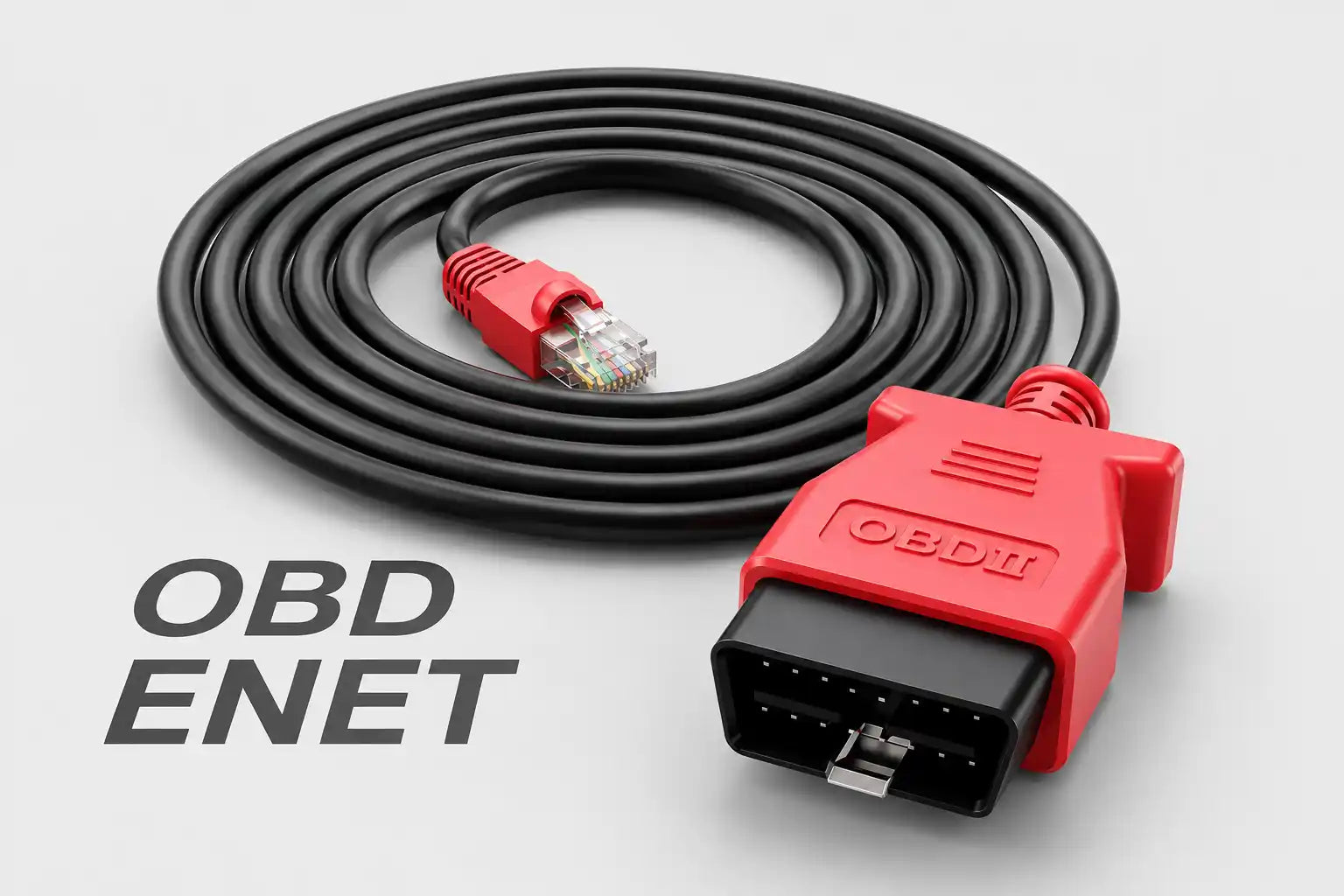
An ENET connection is a private conversation between your laptop and the vehicle's gateway on a tiny isolated network — your laptop requests data from a specific IP address and port, and the vehicle answers. That works at arm's length. Across the public internet, those private addresses are not routable, and the raw conversation has no security at all.
That local nature is exactly why ENET became the preferred interface for data-heavy JLR tasks from around 2017 onwards: CCF editing, module flashing and engineering work all benefit from Ethernet speed. But the same design means that, without help, you must be physically plugged into the car.
Why Manual Port Forwarding Fails
The IT-savvy workaround — logging into the customer's router and forwarding a port to the vehicle — fails on three counts: it is too complex for most customers, it breaks whenever the vehicle's address or router state changes, and it opens a hole in the client's firewall to public internet traffic. No professional should ask customers to accept that risk.
In practice it fails socially as much as technically. The person at the vehicle is usually an owner or a general mechanic, not a network engineer. Dynamic IP addresses, router reboots and ISP-grade NAT all conspire to break manually configured rules at the worst possible moment — typically mid-flash.
How SX-LINK Does It Properly
SX-LINK automates the whole sequence in four steps: the vehicle-side unit makes an encrypted outbound call to the SX-Tool server, your host software does the same, the server brokers authentication between both ends, and an end-to-end encrypted tunnel is established — carrying only the specific diagnostic ports your tools need.
The sequence in detail:
- The handshake. The SX-LINK at the vehicle joins local Wi-Fi and initiates a secure, encrypted, outbound connection. Outbound matters: no inbound ports are opened on anyone's router.
- The broker. Your SX-LINK host software makes its own outbound call to the same server, which authenticates both ends of the session.
- The private tunnel. The server facilitates a direct, end-to-end encrypted tunnel between your PC and the remote unit — invisible to the public internet.
- The forwarding. Your diagnostic software addresses the vehicle as if it were local. SX-LINK drivers intercept that traffic, encrypt it, and send it through the tunnel; the remote unit unwraps it and presents it to the vehicle's ENET port in native form. The vehicle cannot tell the difference.
This is what purpose-built means: specific (only the diagnostic ports), automated (no router configuration), and secure (encrypted from your laptop to the car). The broader connection workflow is covered in SX-LINK remote JLR diagnostics, and the comparison with general VPN approaches in SX-LINK vs VPN port forwarding.
Why It Matters for Programming
Programming is the least forgiving diagnostic task: a dropped connection or stalled data stream mid-flash can brick a module. That is why the tunnel's specificity matters — a lean, single-purpose encrypted path has lower latency and fewer failure modes than any general-purpose workaround, giving you local-cable confidence at continental distance.
Modern DoIP vehicles move large calibration files over this Ethernet backbone, which is precisely why the connection quality bar is so high — background in JLR DoIP diagnostics explained. Pair the bridge with disciplined procedure — stable vehicle power supply, backups before writes — as set out in avoiding bricked modules, and remote programming carries the same risk profile as in-bay work.
There is a commercial angle to the security design, too. When you ask a customer to connect your equipment to their vehicle and their network, you are asking for trust. A bridge that opens no inbound ports, exposes nothing on their LAN, and carries only diagnostic traffic is an easy thing to say yes to — for retail customers, for partner garages, and for the fleet managers and IT departments who increasingly sit between you and the vehicle. The security architecture is not just engineering hygiene; it is what makes the service sellable to cautious customers.
It is also worth noting what the design deliberately leaves out. There is no general remote access to the vehicle, no persistent connection left running, and no third-party PC in the middle of the session. Each session is initiated, authenticated, used and closed. That session-based discipline means the attack surface exists only while a job is actually running — and disappears the moment you disconnect. For a professional workflow, that is the correct shape: maximum capability during the job, zero exposure after it.
For customers who ask the obvious question — "is my car safe while someone works on it from another city?" — the honest answer is yes, and safer than most alternatives they have already accepted. No one can browse the vehicle, no connection persists after the session, and every byte crossing the link is encrypted diagnostic traffic between two authenticated endpoints. Compared with a laptop left running remote-desktop software on a customer's driveway, the engineered bridge is not the risky option; it is the responsible one.
Frequently Asked Questions
Do I need to configure the customer's router? No. The SX-LINK unit only makes outbound connections, so no inbound router rules, port forwarding, or firewall changes are required on either side. The person at the vehicle just connects the unit to the OBD port and local Wi-Fi.
What traffic does SX-LINK forward? Only the specific ports your diagnostic tools use to reach the vehicle — for example the DoIP communication port on ENET-based JLR platforms. Nothing else crosses the tunnel, which keeps the connection lean and the attack surface minimal.
Is the connection encrypted end to end? Yes. Traffic is encrypted from your workshop PC to the vehicle-side unit for the entire journey. The brokering server authenticates the session but the payload remains protected between the two endpoints.
Does this work for DoIP vehicles as well as ENET workflows? Yes. DoIP is diagnostics over the same Ethernet architecture, so the tunnel carries DoIP sessions for Pathfinder and TOPIx Cloud era vehicles exactly as it carries ENET-based engineering traffic. See how SX-LINK unlocks JLR ENET and SX-DOIP workflows.
What happens if the internet drops mid-session? The session will drop, as any remote connection would. This is why stable vehicle-side internet and disciplined programming procedure — battery support connected, backups taken first — remain non-negotiable, exactly as they are for in-bay flashing.
See the Secure Workflow in Action
SX-LINK was engineered for the specific needs of professional JLR technicians: stable enough to program, simple enough for any customer to connect, secure enough for mission-critical work. Specifications and current availability are on the SX-LINK remote diagnostic bridge product page.